Lengths and curls zone by zone, saved in the client record.
A lash map sets the extension length and curl for every zone of the eye. In LashAssistant it is ready for each style and stays in the client record for the next refill.
Ready for every style
Cat Eye, Doll Eye, Foxy Eye, Natural and Eye-liner, with the measurements of every zone.
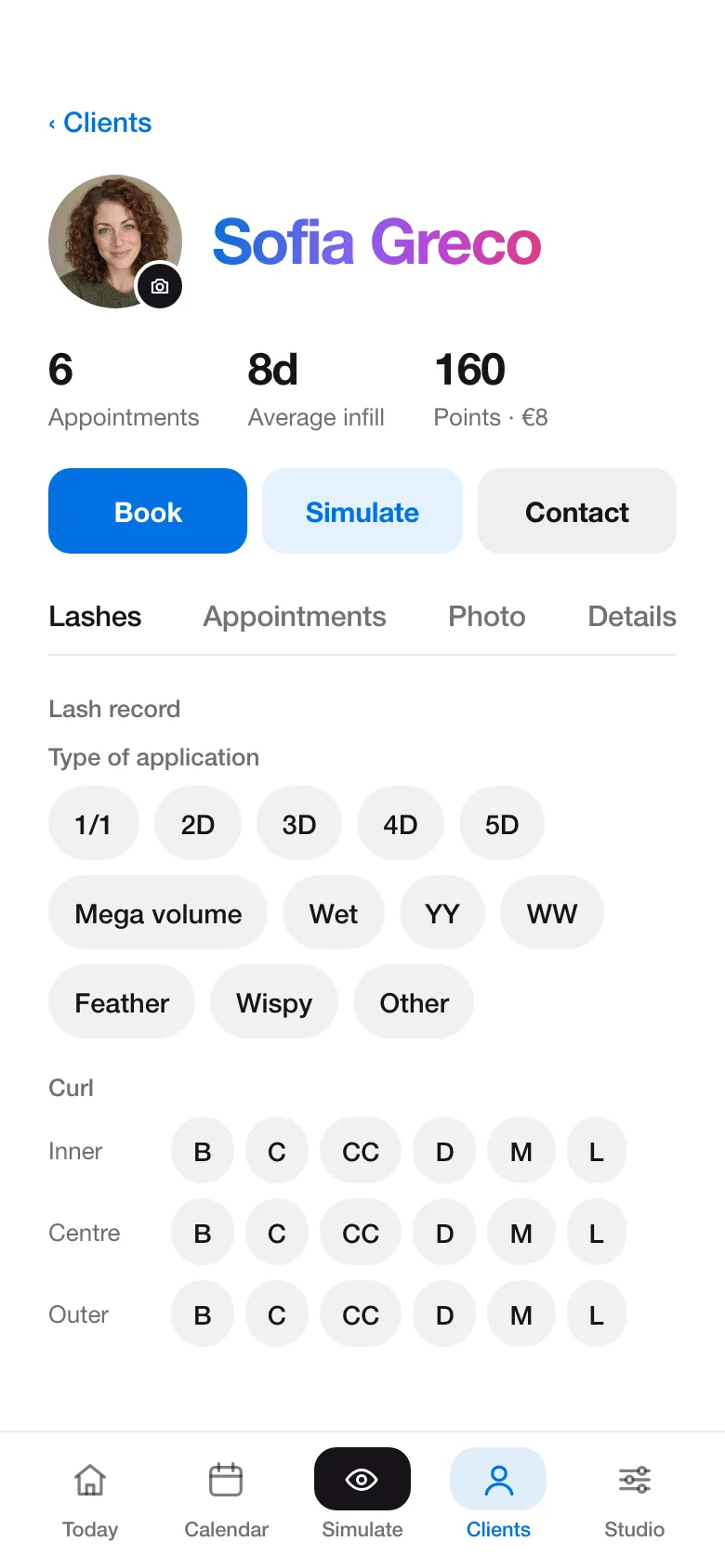
The lash record
Application type and curl for each zone, ready for the next refill.
Stock under control
Before you begin, the app flags the sizes missing from your stock.
The measurements of each style, from the inner to the outer corner.
- Cat Eye7C · 8C · 9C · 10C · 11C · 12C · 11C
- Doll Eye7C · 8C · 9C · 10C · 11C · 10C · 9C · 8C · 7C
- Foxy Eye7C · 8C · 9C · 10C · 11C · 12C · 13C
- Natural7C · 8C · 9C · 8C · 7C
- Eye-liner 18C · 9C · 10C · 10C · 11L · 11L · 11L · 12L · 12L · 13L
Questions from people getting started.
What is lash mapping?
It is the plan that divides the eye into zones and assigns each one an extension length and curl. It delivers the chosen style and makes it repeatable at the refill.
How is a lash map created in LashAssistant?
Choose the style and the app proposes lengths and curls for each zone; save it in the client record and find it again at the next appointment.
Is lash mapping included in every plan?
The lash record with application and curls is in every plan; the ready-made lash map for each style is in the MAX plan, together with the simulator.
The PRO plan free for 12 months.
Sign up now: 12 free months of the PRO plan. Limited-time offer. To join, simply follow @mylashassistant on Instagram.
Your phone, iPad or computer is all you need.