Simulator, lash map, booking, earnings, stock and consent: the six assessment criteria.
A lash studio works with lengths, curls and infills, and the app has to keep them in each client’s record. These are the points to check, with the way LashAssistant handles them.
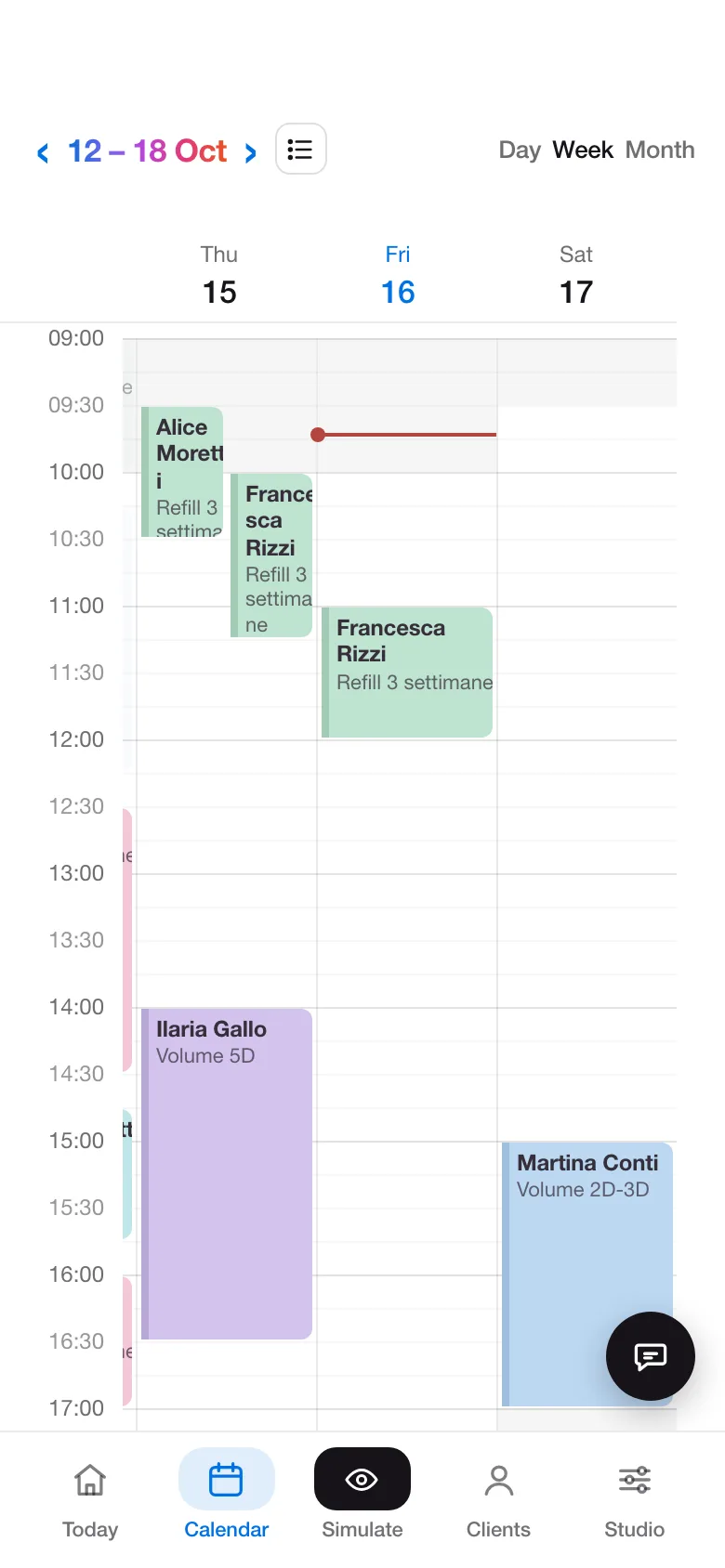
A preview for the client
The client should see the effect on her own face before the treatment. In LashAssistant the simulator works from her photo.
The lash map in the record
Lengths and curls must stay available for the infill. In LashAssistant the lash map is saved in the client’s record.
Booking under your own rules
The lash artist sets the minimum notice, the break between treatments and the cancellation deadline.
Everything you need, in the same app.
- Earnings and statisticsEach checkout updates earnings, monthly statistics and the forecast.
- Lash stockRows are deducted at each checkout, and the app flags the sizes running low.
- Consent formThe client signs on the phone and the document stays in her record.
Questions from people getting started.
What should an app for lash artists include?
Calendar, client records with lash maps, online booking, earnings and lash stock. The simulator adds a preview of the effect on the client’s face.
Which LashAssistant plan should I choose?
ESSENTIAL for calendar, client records and stock; PRO to add earnings, loyalty and online booking; MAX to add the simulator with lash maps.
How can I assess the app before subscribing?
With the simulator demonstration on the site’s main page.
The PRO plan free for 12 months.
Sign up now: 12 free months of the PRO plan. Limited-time offer. To join, simply follow @mylashassistant on Instagram.
Your phone, iPad or computer is all you need.